


Products
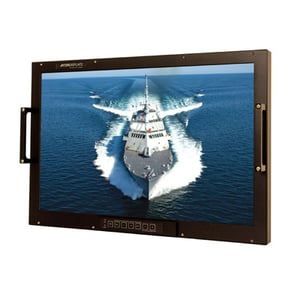
Aydin Displays provides Ruggedized Naval Displays that are designed for some of the harshest conditions in defense & military scenarios for surface and sub-surface applications.
Learn More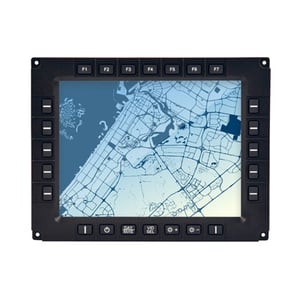
Aydin Displays provides Ruggedized Ground Displays that are designed for some of the harshest conditions in defense & military scenarios for combat, logistics and military vehicles and ground operations.
Learn More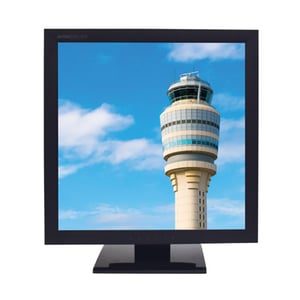
Aydin Displays understands the unique needs of the air traffic control industry. We’ve designed a number of displays with a long life cycle, demanding image fidelity and compliance in mind.
Learn More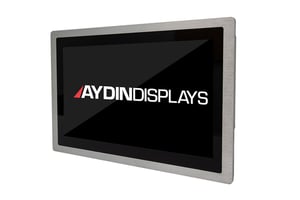
Reliability In Hostile Industrial Applications in the tough conditions of factories, machinery and field equipment, displays need to last. We test and retest each display to handle any number of situations and put up with almost any harsh condition.
Learn MoreWHO WE ARE
Our focus is to serve our customers. We work alongside them to design, engineer, and manufacture creative solutions right here in the U.S. to give them a decisive advantage.

Services
Aydin Displays begins every relationship by understanding that your needs are unique. We provide you with exceptional service, performance, and options – to fit your personalized needs.


Capabilities & Solutions
Engineering for the Future. See what Aydin Displays has to offer, browse all our Capabilities and Solutions for Land, Sea & Air. Manufacturing creative solutions right here in the U.S. to give you a decisive advantage.